





Login and Logout operation
Login
- Please Log in to keio.jp.
-
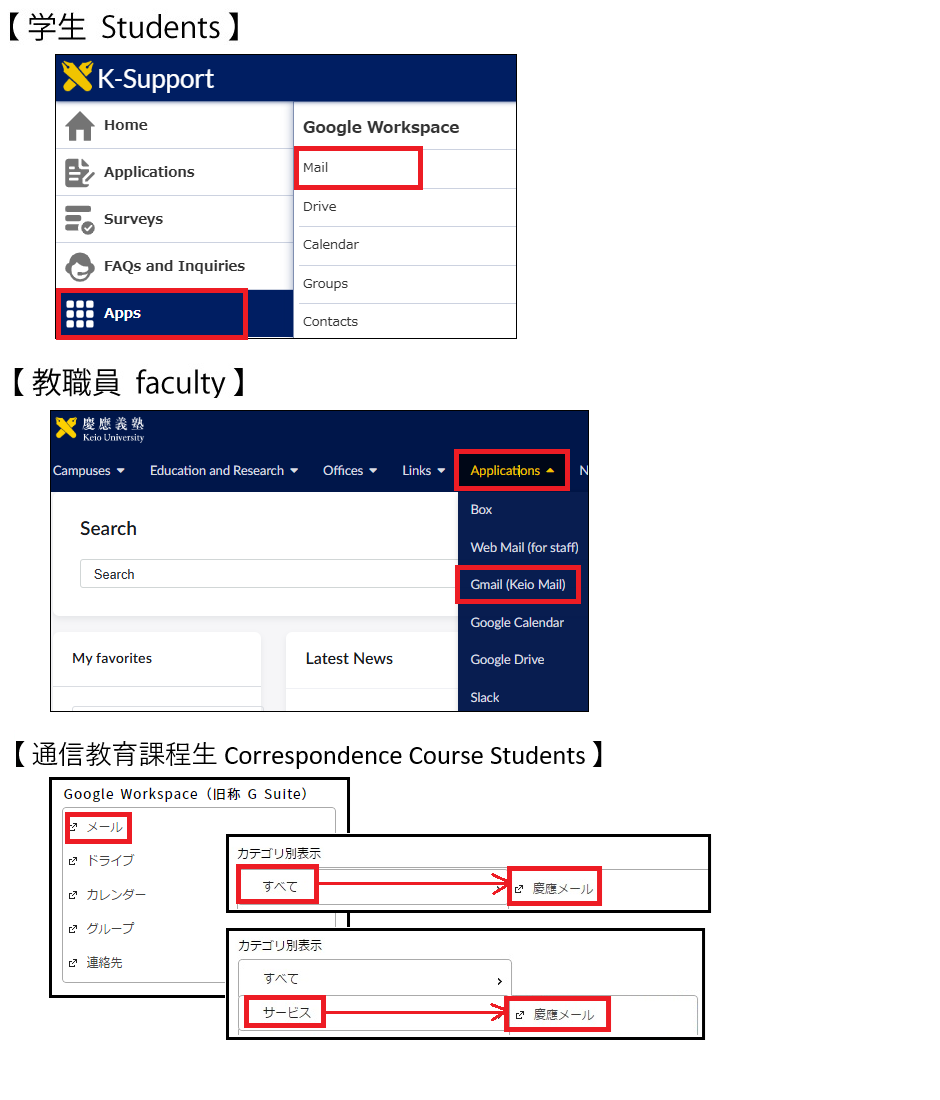
Please click "Mail" or "Gmail(Keio Mail)" after login.
( You can access to mail service on Google Workspace also to click "Keio Mail" at "Category" - "ALL".)
-
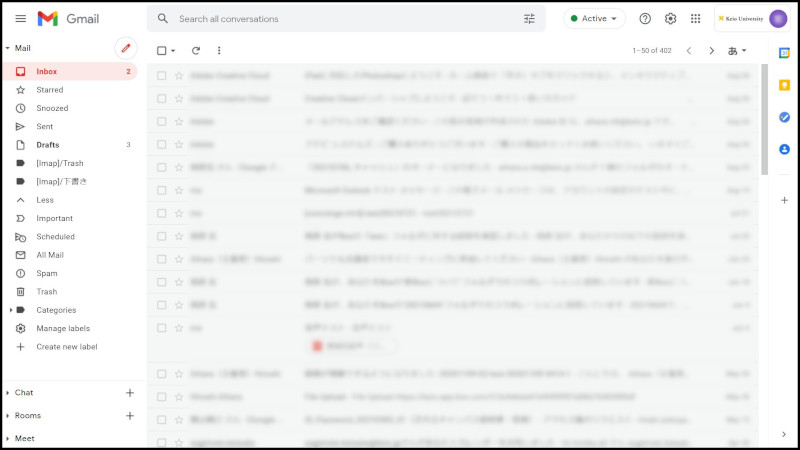
The following screen will be displayed.
When you access to Google Workspace first time, "terms of use" and "privacy policies" will be displayed. Please click accept.
Google services direct login
A shortcut has been set for direct login to all services of Google Workspace for Education(formerly G Suite for Education).
Clicking the following Link will permit use of each service after keio.jp confirmation.
Logout
-
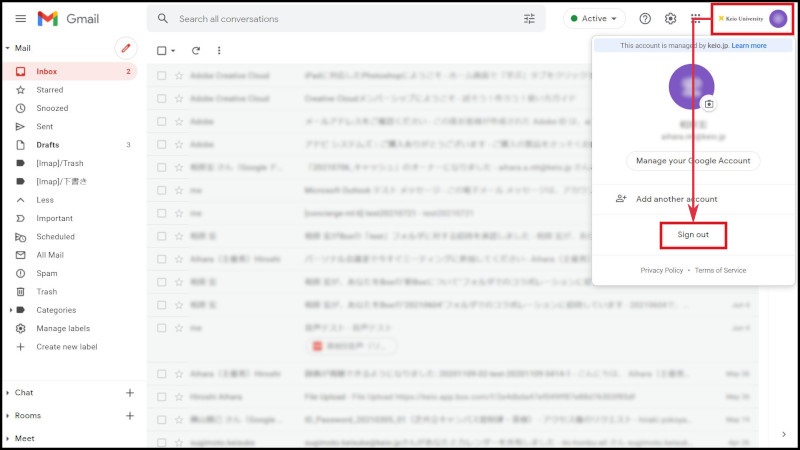
Please click "Sign out" in your account at the upper right on the screen.
Update Information
October 31, 2014: Created.
January 29, 2015: Adding contents to Google services direct login
Last-Modified: December 10, 2025
The content ends at this position.